How to Remove Hidden Worksheets from Multiple Files
Microsoft Excel® has no out-of-the-box means for removing hidden worksheets from
multiple Workbook files (XLSX) in batch.
BatchPurifier™
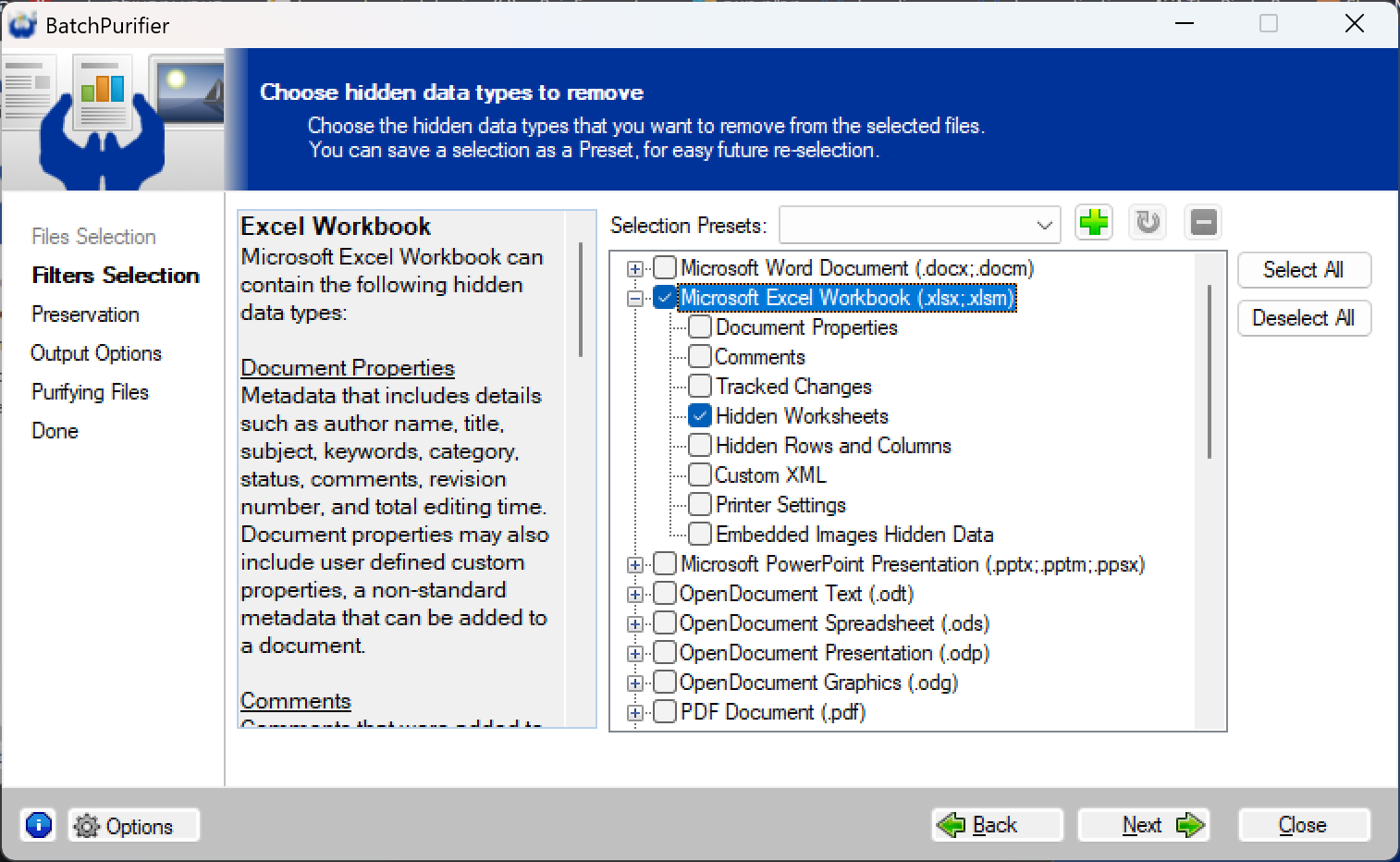
can permanently remove hidden workdsheets from multiple XLSX files in one go. It can do so for files that
reside in different folders, and for ones that are compressed within ZIP files.
BatchPurifier™ can also selectively remove other types of hidden data & metadata from
multiple types of document, image, and media file formats. It's an offline
privacy-oriented desktop batch hidden data & metadata remover for Windows®.
|