How to Remove Hidden Rows and Columns in Batch
Microsoft Office® has no out-of-the-box means for removing hidden rows and columns from
multiple Excel® Workbook files (XLSX) in batch.
BatchPurifier™
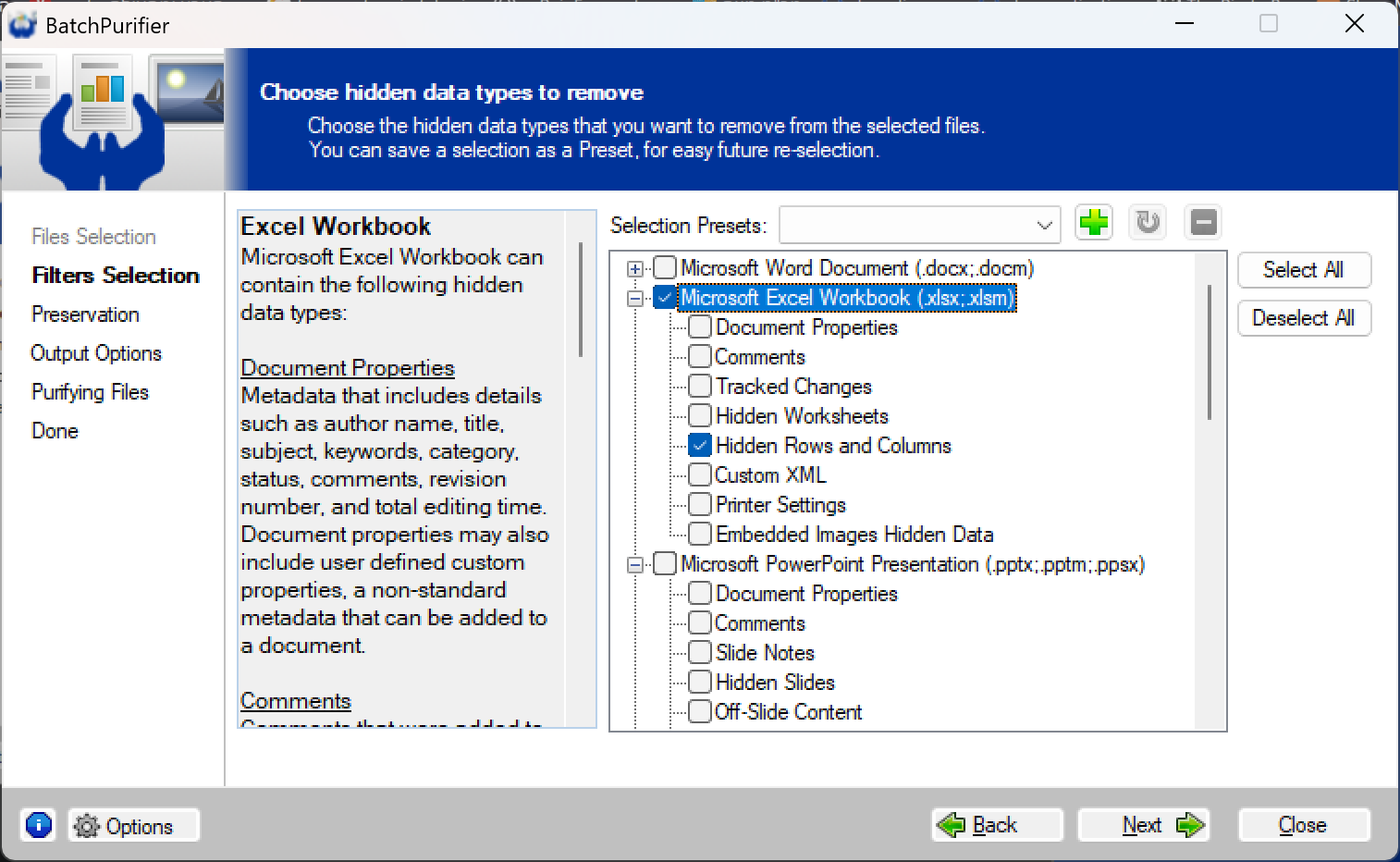
can permanently remove hidden rows and columns from multiple Excel® Workbook files in one go.
It can do so for files that reside in different folders, and for ones that are compressed within ZIP files.
BatchPurifier™ can also selectively remove other types of hidden data & metadata from
multiple types of document, image, and media file formats. It's an offline
privacy-oriented desktop application for Windows®.
|